
Advanced Open Beta
Multi-Broker Cloud Software Tools for Futures Traders
Everything a Trader Needs. One App
Powerful risk management, trade copying, and journaling built for traders managing multiple accounts.
Quick Overview
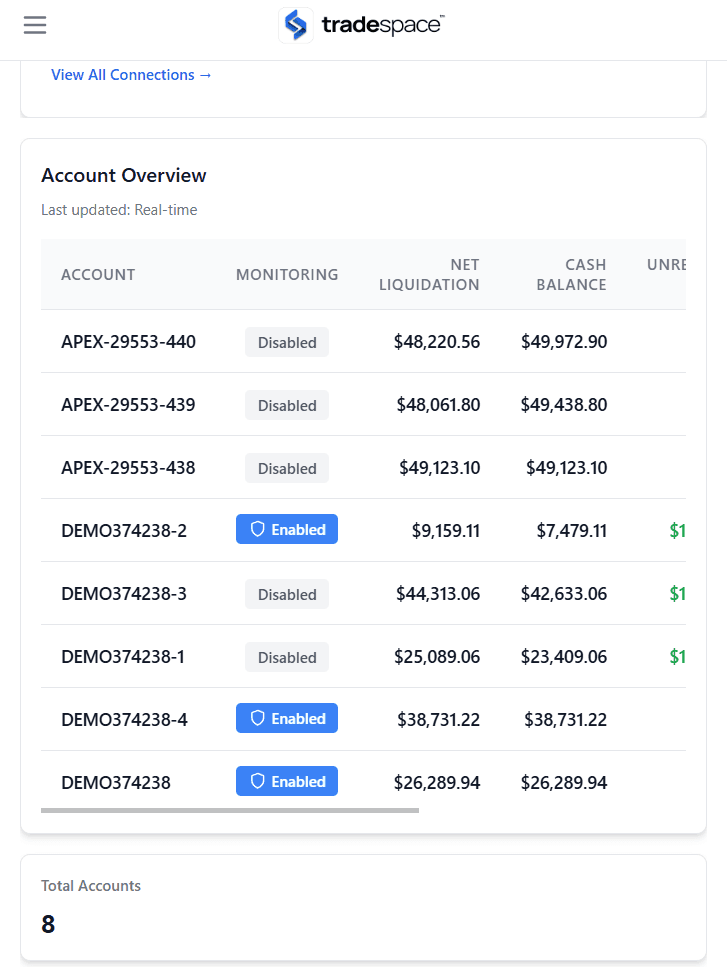
Dashboard
- Reliable, low latency copy trading
- Multi-Directional Trade Copying
- Instrument Filters and Conversions
- Advanced Stealth Mode
- Lockout and Chart Trader Integration
- TradeSync Technology
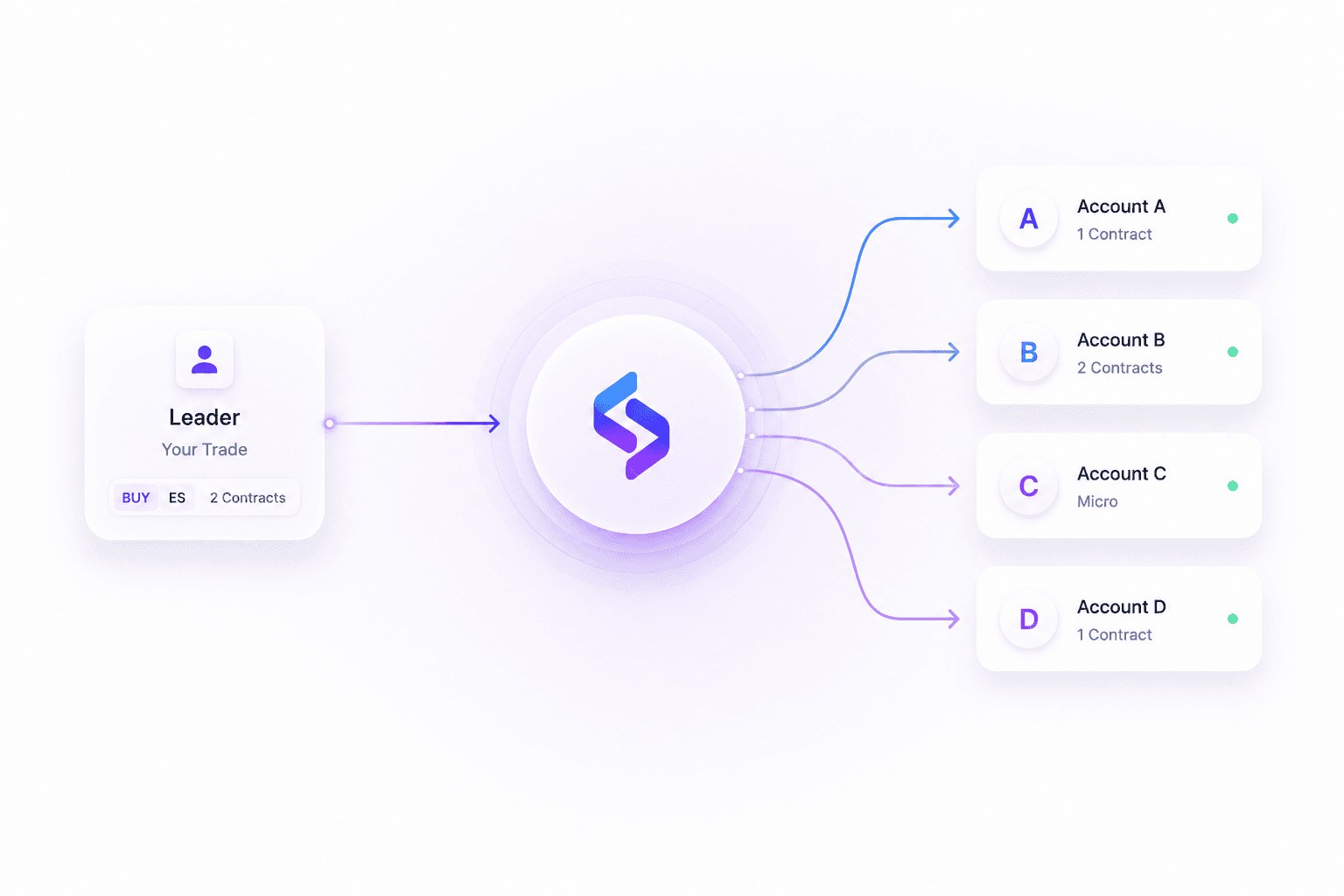
Trade Copier
- Reliable, low latency copy trading
- Multi-Directional Trade Copying
- Instrument Filters and Conversions
- Advanced Stealth Mode
- Lockout and Chart Trader Integration
- TradeSync Technology
- Add Followers in Bulk
- Integration with Risk Manager
Risk Manager
- Manual and Controls Lockout
- Bulk Lock Out Tools
- Risk Profiles for bulk updating
- AutoLock Controls on a Schedule
- Lockout and Chart Trader Integration
- Trading Restrictions including eMini Blocking, QTY and more
Chart Trader
- Trade all of your broker accounts in one chart!
- Integrated with copy trading
- Works with risk settings
- Built on TradingView technology
- Lockout Integration
- Optimized for desktop and mobile
Trading Journal
- Easily sync your trades with one click
- Detailed analytics
- Journal Notes
- Calendar View
- and more!
Our app offers reliable 24/7 mobile access to all of your accounts, copy trading, risk management, trading journal and more!
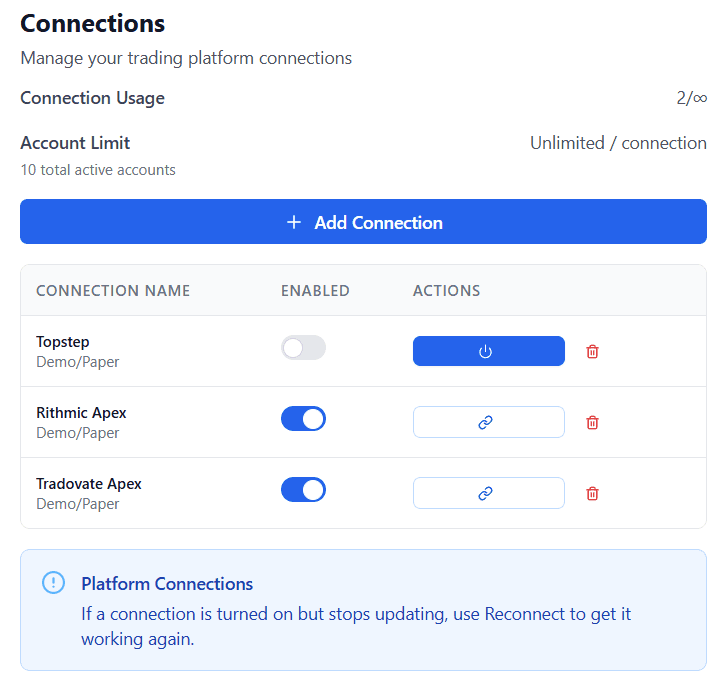
Brokers and Platforms
We Support
Bring your prop firm and live accounts into one connected trading environment. Tradespace integrates with leading futures platforms, brokers, and data feeds.
Easy to use Web App
Extensive Settings and Control
- Control over a nearly every aspect of your system
- All settings stored in the cloud
- Maintains direct connection to your local NinjaTrader machine
Mobile Chart Trader
- Mobile Chart Trader provides access to trades currently placed in any of your broker accounts connected.
- Full trade management including custom chart trader
Intuitive Interface
- Easy to use with granular control.
Powerful risk management tools for a disciplined trader
Advanced Risk Management
Keep your accounts protected
- Daily Loss Limit and Daily Profit Target
- Per Trade Loss Limit
- Per Trade Profit Target
- Funded Targets, perfect for closing your position when you reach a target
- Trailing Daily Loss Limit (Coming soon)
Bulk Lock Out Tools
- Allows for quickly setting lockouts on accounts
- Switch seamlessly to End-of-Day Drawdown Mode for accounts with EOD trailing limits.
Lockout. Discipline Enforced
Manual and Controls Lockout
- Step away on your terms — lock yourself out of trading for 15, 30, or 60 minutes, or the entire New York session.
- When you’re locked out, you’re truly locked out.
- Automatic lockout occurs if you reach your loss limit or profit target
Risk Profiles for bulk updating of accounts risk settings
Risk Profiles offers a way save your most commonly used risk settings and quickly apply them to accounts in bulk.
Trading Restrictions
- Max Contract Size: Limit yourself from oversizing.
- Instrument Blocking: Restrict risky instruments (like e-minis) when discipline demands
- Daily Trade Limit (Currently unavailable)
- Consecutive Loss Limit (Currently unavailable)
- Allowed Trading Days: Only permit trading on days selected
- Time Restriction: Only Permit trading during a certain schedule
AutoLock System Locks Controls on a Schedule
- Automatically locks risk controls every day
- Prevents tampering with your risk settings.
- Trading can continue, but your rules cannot be adjusted — protecting you from emotion-driven sabotage.
- Choose your lockout period: 15 minutes, 30 minutes, 1 hour or the entire trading session.
Platform independent trade copying for the ultimate in flexibility
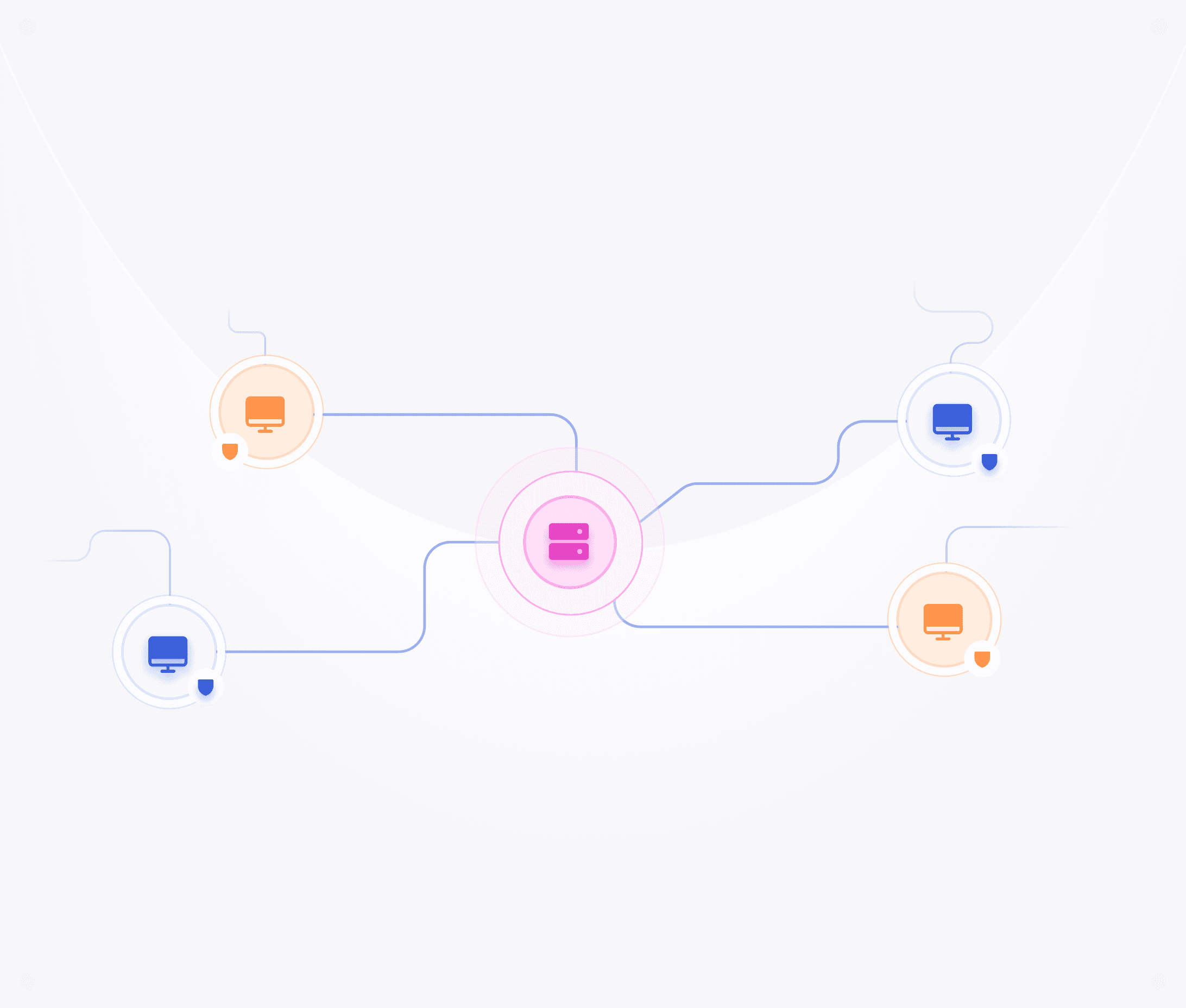
24/7 Cloud Copy Trading
Reliable, low latency copy trading
- Low latency order replication
- User Friendly Cloud Interface for managing settings
- Cloud Technology so settings are never lost
- Bulk Editing Functions
- 24/7 Cloud Service
Multi-Directional Trade Copying
- Automatically handles trades placed to any instrument assigned to the leader account. Dont worry about forgetting to create a new instrument tab for it to work!
- Handles the complex trade copy setups such as Account 2 follows Account 1 and Account 3 can follow Account 2
TradeSync Technology
- Automatic position flattening when out-of-sync
- Configurable timeout per follower
- Connection health monitoring
- Zombie order detection and cancellation
- Cloud persistence
- Advanced order-level guards
- Rearm/Flatten buttons in UI
- Global or individual follower control
Instrument Filters and Conversions
- Converts from micros to minis or minis to micros
- Provides instrument filters to whitelist only certain instruments
- Order Mode and Execution Mode
Advanced Stealth Mode
- Gets rid of automation signatures from your auto trader copied orders.
- Anonymous Order Names
- Trades appear as manual orders to brokers by removing the automated flag
- Order Mapping survives system restarts
Lockout and Chart Trader Integration
- Has integration with our lockout system to prevent trade copy to accounts locked
- Embeded copy trade setup within chart trader showing copy trade relationship, PnL info, and lockout stats
- Quick access to lockout functions
Improve your performance by learning from the past
Essential Trading Journal
Dedicated support and resources
Extensive, Easy-to-Understand documentation
Extensive help guides and videos to get your started including access to email and live chat support as well as community support
Free Discord Access
Access our Discord server for free with additional channels available for members
Frequent Updates
Frequent updates to continally provide the best possible experience.
Frequently asked questions
Will I receive support and guidance on setting up my enviroment?
Yes. We offer support for our customers including through live chart and our documentation.
What payment methods do you accept?
Payments can be made securely, using any major credit or debit card or PayPal.
What type of support do you provide?
We offer support by email and live chat.
To utilize your products, what platform(s) can I use?
Since our system is cloud based, you do not need to have any specific platform to use.
Does your system come with a help guide and training?
Yes. We provide software documentation, videos and other guides.